DevOps Intern Task Portal
DEVOPS INTERNSHIP – SESSION 01
Introduction to DevOps & Linux Environment
🎯 Objective
The objective of this session is to build a strong foundation in DevOps by understanding the DevOps lifecycle, software development workflow, Linux basics, and essential command-line operations. By the end of this session, you will be able to set up your own Linux environment, execute basic Linux commands, understand how DevOps bridges Development and Operations, and prepare your system for future automation and cloud deployment tasks.
This session is designed for beginners and focuses on practical implementation rather than only theoretical concepts.
📌 Learning Outcomes
After completing this session, you will be able to:
- Understand what DevOps is and why organizations use it.
- Explain the DevOps lifecycle.
- Understand Continuous Integration (CI) and Continuous Deployment (CD).
- Install and configure a Linux environment.
- Navigate directories using Linux Terminal.
- Create, copy, move and delete files.
- Understand file permissions.
- Execute basic Linux commands confidently.
- Understand package managers.
- Prepare your local system for upcoming DevOps tools.
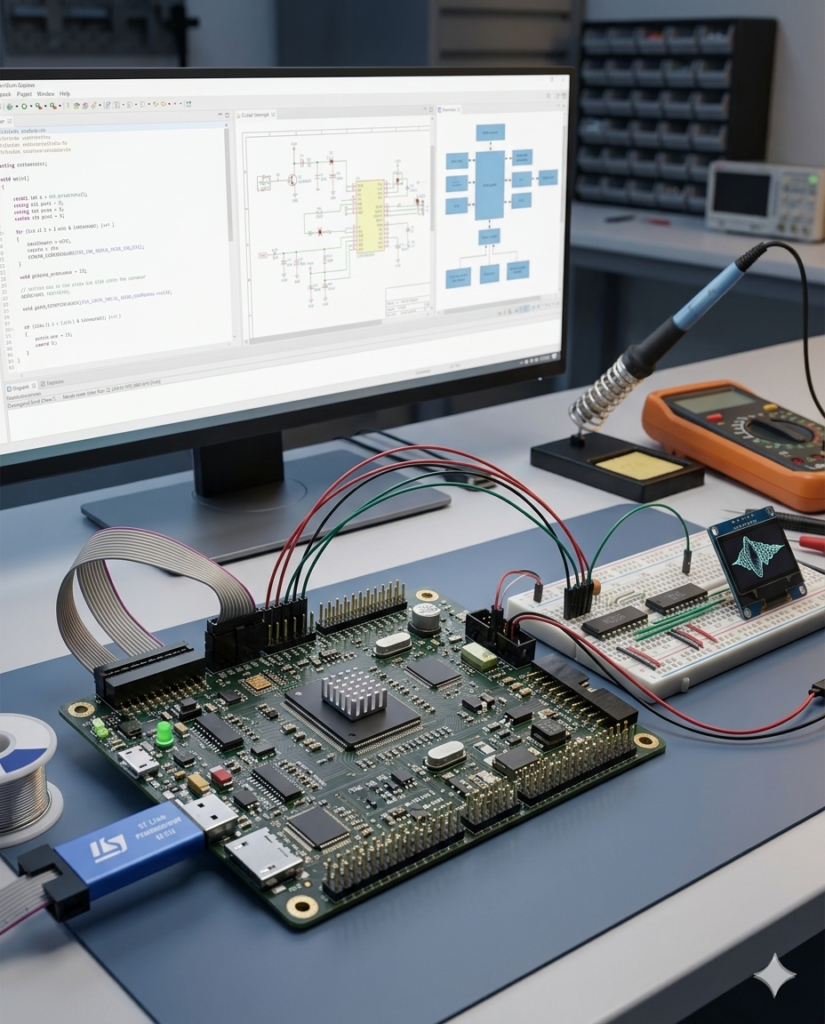
Our mission is to be a premier engineering and hardware design partner, bridging the gap between physical components and intelligent software. By leveraging state-of-the-art microcontrollers, edge-AI processing, and robust firmware architecture, we develop custom embedded solutions that power the next generation of smart devices. We are committed to delivering high-performance, energy-efficient, and scalable designs that seamlessly drive automation and connectivity across industries.
To pioneer intelligent hardware solutions by seamlessly integrating AI and machine learning at the edge.
To architect low-power, high-efficiency systems tailored for complex industrial, automotive, and consumer electronics applications.
To provide end-to-end development architecture, from initial schematic design and PCB layout to firmware optimization and rigorous testing.
To bridge the gap between IoT connectivity and hardware security, ensuring robust data processing and secure device ecosystems.
To empower businesses to scale by transforming complex engineering challenges into market-ready, micro-targeted technology products.
📢 Important Notice Regarding This DevOps Internship Session
Unlike our other internship programs, the DevOps Internship has been specially designed with one comprehensive training session.
Our technical team has combined all the essential DevOps concepts—from Beginner (Basic) to Intermediate level—into a single, well-structured training session. This approach allows you to learn the complete workflow without switching between multiple videos or waiting for additional portal releases.
Although there is only one training session, it contains a large amount of practical content. Therefore, do not attempt to complete the entire session in one day.
We strongly recommend learning at a comfortable pace and implementing every concept practically on your own computer.
📅 Recommended Learning Schedule
To ensure proper understanding and practical implementation, please follow the schedule below:
- Study only 30 minutes per day.
- Immediately implement every concept demonstrated in the video.
- Practice each Linux command and DevOps task on your own system before moving ahead.
- Save all your practice files, notes, screenshots, and command outputs in your DevOps project folder.
- Continue this process daily and complete the entire session within 5 days.
- After completing the full session, submit your assignment using the Google Form provided below.
⚠️ Important Instructions (Read Carefully)
- This internship contains only one comprehensive training session.
- The session covers Basic to Intermediate DevOps concepts in a structured manner.
- Do not skip any part of the video.
- Watch the session carefully and understand each topic before proceeding.
- Spend only 30 minutes per day to maintain consistent learning.
- Perform every practical step demonstrated in the session on your own computer.
- Do not simply watch the video—practice every command yourself.
- Save all practice files, Linux commands, screenshots, notes, and project folders.
- You may prepare your assignment using Digital Notes (PDF/Word) or Handwritten Notes (Scanned PDF or Images).
- Complete the entire session within 5 days from the date of receiving portal access.
- Submit your assignment only after completing the full session.
- Late or incomplete submissions may not be considered for evaluation.
- Future advanced internship opportunities and certifications may depend on successful completion of this assignment.
✅ TASK 1: Introduction to DevOps & Linux Fundamentals
🎯 Objective:
The primary objective of this internship session is to develop a strong foundation in DevOps concepts, Linux administration, software development lifecycle, Continuous Integration (CI), Continuous Deployment (CD), infrastructure automation, and modern deployment practices. This comprehensive training session combines Basic to Intermediate DevOps concepts into a single learning module, enabling interns to understand industry-standard DevOps workflows and gain practical experience by implementing every concept on their own system.
📹 Session:
👉 Click here to Watch your uploaded DevOps Training Session
📝 Task:
Prepare notes on the following topics:
- Introduction to DevOps and its importance in modern software development
- Traditional Software Development vs DevOps Methodology
- DevOps Lifecycle and Workflow
- Continuous Integration (CI) and Continuous Deployment (CD)
- Installing and Setting Up a Linux Environment
- Linux File System and Directory Structure
- Basic Linux Commands (Navigation & File Management)
- File Permissions and User Management in Linux
- Package Management (APT/YUM)
- Networking Basics for DevOps
- Shell Basics and Terminal Usage
- Introduction to Git and Version Control
- Understanding Build, Test, Deploy and Monitor Stages
- Overview of Docker, Kubernetes and Cloud Computing (Introduction)
🔍 Practice / Research:
Perform the following practical activities on your own computer:
- Install a Linux environment (Ubuntu/WSL/Virtual Machine).
- Practice at least 25 Linux commands demonstrated in the session.
- Create folders, files, copy, move, rename and delete them using Linux commands.
- Practice file permission commands (
chmod,chown,ls -l). - Install one software package using the Linux package manager.
- Create your own DevOps Workspace and organize your files.
- Research the difference between Continuous Integration (CI) and Continuous Deployment (CD) and write a short summary.
- Research why Linux is the preferred operating system for most DevOps Engineers.
📋 Important Instructions:
- This DevOps Internship contains one comprehensive session covering Basic to Intermediate concepts.
- Our technical team has combined all learning modules into a single structured training session.
- Watch only 30 minutes per day to ensure better understanding.
- Complete the entire session within 5 days.
- Carefully follow every demonstration shown in the training video.
- Implement every command and practical task on your own computer.
- Do not skip any section of the session.
- Save all practice files and notes for future reference.
- Complete the assignment only after finishing the entire session.
- Both Digital Notes and Handwritten Notes are accepted.
- Submit your assignment before the deadline using the Google Form below.
📝 Internship Assignment Submission Form:
After completing the complete DevOps session and all practical implementations, submit your assignment, notes, and practice work using the Internship Assignment Submission Form.
📎 Form Link: https://forms.gle/YczUMc41oWrGstU8A
This content will fit your portal layout perfectly and is much more aligned with a professional DevOps internship than the current embedded systems task page.